





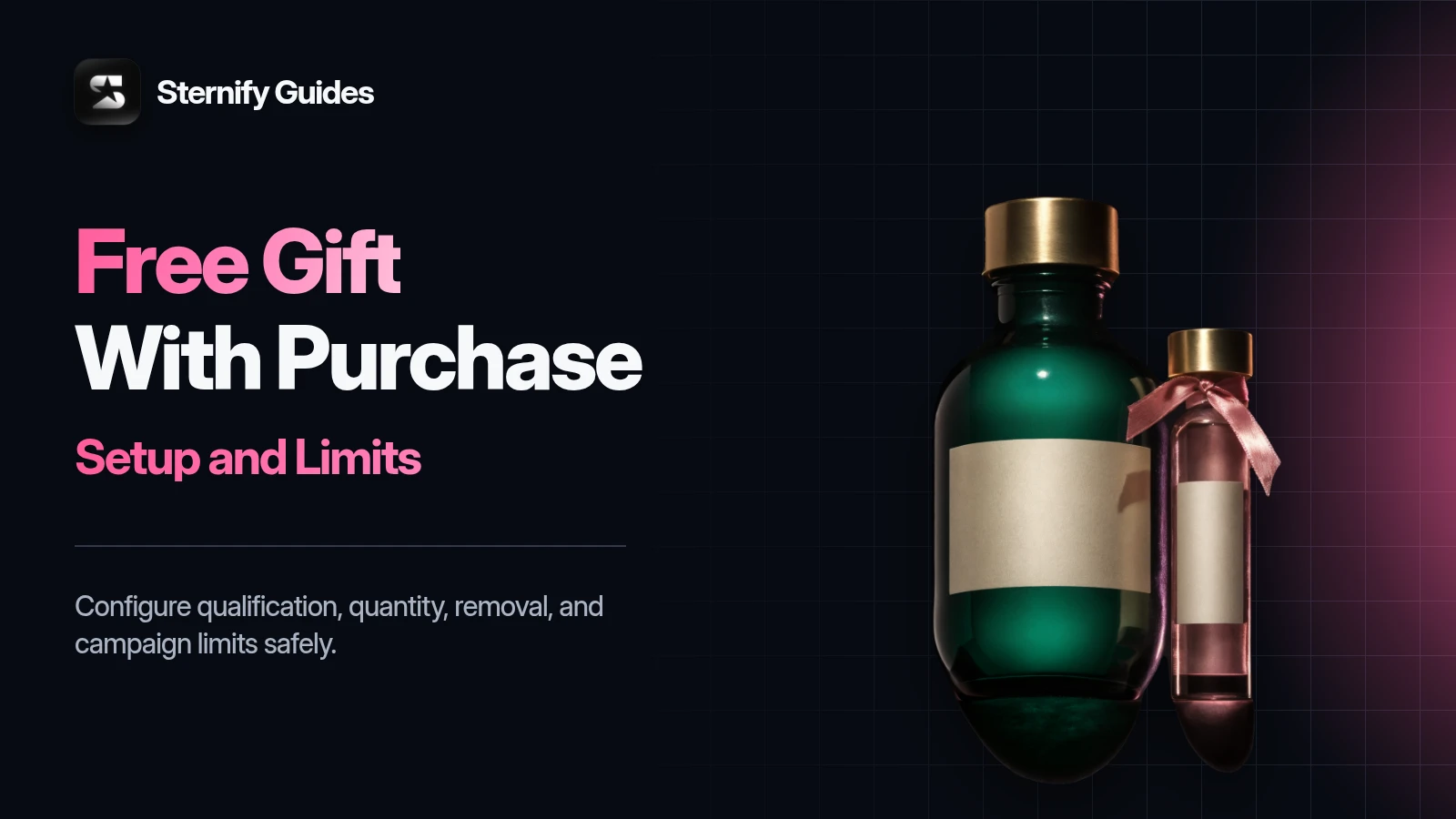
A free gift with purchase on Shopify gives a shopper a separate product at no charge after they meet a product, quantity, or spend condition. The promise is simple, but the implementation matters.
Shopify’s native Buy X Get Y discount can make the gift free, but the shopper still has to add every qualifying item to the cart. That is different from an app flow that presents, selects, or adds the gift for the shopper.
This guide shows both routes. You will learn how native Shopify discounts work, when automatic gift behavior needs an app, how to choose a useful gift, and which cart tests to run before launch. The aim is a promotion that customers understand and your team can control.
Key takeaways
- Shopify Buy X Get Y can discount a gift, but the shopper still has to add both the qualifying item and the gift.
- Use a gift app when you need automatic or selectable gifts, threshold progress, or stricter quantity rules.
- Choose a gift that supports the purchase, keep stock available, and state eligibility, exclusions, and returns clearly.
- Test qualification, removal, variant changes, discount combinations, inventory, refunds, and abuse cases before launch.
Choose the promotion before you choose the tool
Start with the customer promise. Product-based gifts reward the purchase of a particular item or collection. Threshold gifts unlock after the cart reaches a stated value. Quantity-based gifts scale with the number of qualifying units. Each model needs different eligibility and quantity rules.
Product trigger: Buy an eligible serum and receive a travel-size cleanser.
Collection trigger: Buy any product from the summer collection and receive a tote.
Cart threshold: Spend $75 and receive a sample set.
Quantity trigger: Buy two eligible units and receive two matching accessories, if the economics support it.
Write the offer in one sentence before building it. Name the qualifying action, the gift, the date or inventory limit, and any exclusions. If that sentence feels complicated, the customer will have trouble understanding the banner, product-page message, and cart state.
Native Shopify Buy X Get Y versus an automatic gift flow
Two ways to run a Shopify gift promotion.
How the gift becomes free: Shopify applies the configured discount to the Y item; The app can use a discount or Shopify Function to make the gift free
How the gift enters the cart: The customer adds the qualifying and gift items; The app may add, reveal, or let the shopper select the gift
Best for: Straightforward offers with clear instructions; Low-friction gift selection, automatic behavior, or richer targeting
Main risk: Customers miss the manual add-to-cart step; Theme, cart, inventory, and app behavior need careful testing
Control: Configured in Shopify Discounts; Configured in the app plus Shopify discount infrastructure
Shopify’s Help Center states that customers must add all applicable products to the cart for a Buy X Get Y discount. The Y product is never added automatically.
The distinction matters because promotion copy often says, ‘Free gift automatically applied.’ That claim is wrong if the store only uses a native Buy X Get Y discount. The discount can be automatic, meaning no code is required, while the gift product still requires a manual cart action. Test the exact customer path instead of assuming that ‘automatic discount’ means ‘automatic gift.’
How to create a free gift with Shopify’s native discount
- Create the promotion: In Shopify admin, open Discounts, choose Create discount, then select Buy X Get Y. Decide whether customers receive an automatic discount or enter a code.
- Define what the customer buys: Set the minimum quantity or purchase amount and choose the eligible products or collections. Keep the condition consistent with the copy shown on your storefront.
- Define what the customer gets: Choose the gift product or collection, set the quantity, and make the value free. Add a maximum use per order if the promotion should not repeat without limit.
- Set dates and test the cart: Set the start and end dates, save the discount, then add both the qualifying item and gift to a storefront cart. Test below, at, and above the threshold.
Native setup works well when the offer is narrow and the gift is easy to find. A dedicated gift product page can help, but hide irrelevant merchandising elements and explain that the discount appears only after the qualifying item is present. If the gift has variants, tell the shopper to choose one. Do not advertise a specific gift as available if all sellable variants are out of stock.
When automatic gift-to-cart behavior is worth adding
Use an app or custom implementation when the manual gift step creates too much friction. Common cases include a cart threshold that updates as the shopper adds products, a choice among several gifts, campaign-specific product targeting, or a gift that should appear as soon as eligibility is met.
Benefits of automatic gifts
- The cart can show the reward at the moment the shopper qualifies.
- The merchant can control gift eligibility and quantity rules in one place.
- The experience can remove the need to search for a separate gift product.
- A visible reward can make qualification easier to understand
- Rules can follow product, spend, or quantity conditions
Implementation tradeoffs
- The implementation must handle cart updates, gift removal, inventory, variants, and theme compatibility.
- A gift added without context can look like a mistake or an unwanted item.
- Conflicting discount or cart apps can create unexpected behavior.
- Low gift stock can break the promise during a live campaign
- Returns and partial refunds need a documented gift policy
Automatic should still feel transparent. Show the qualification rule before the customer reaches it, confirm why the gift appeared, and remove or reprice the gift when eligibility disappears. A cart should never retain a free item after the qualifying product has been removed unless the promotion explicitly allows it.
How Sternify Gifts handles the discount and quantity rules
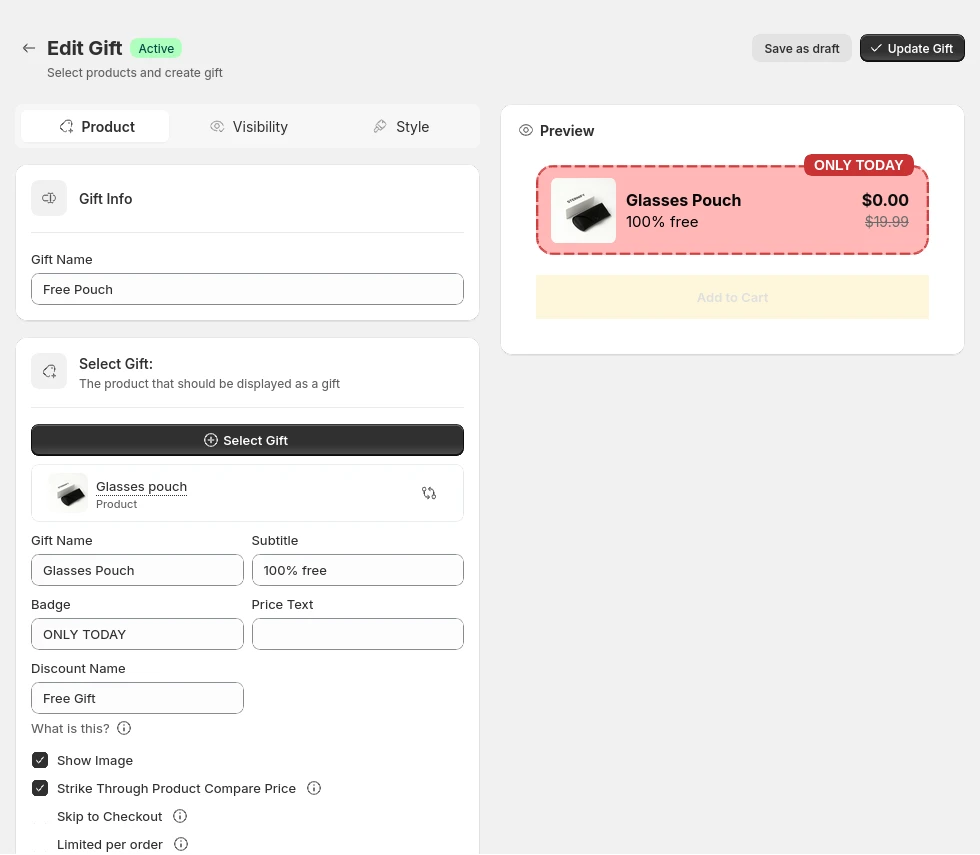
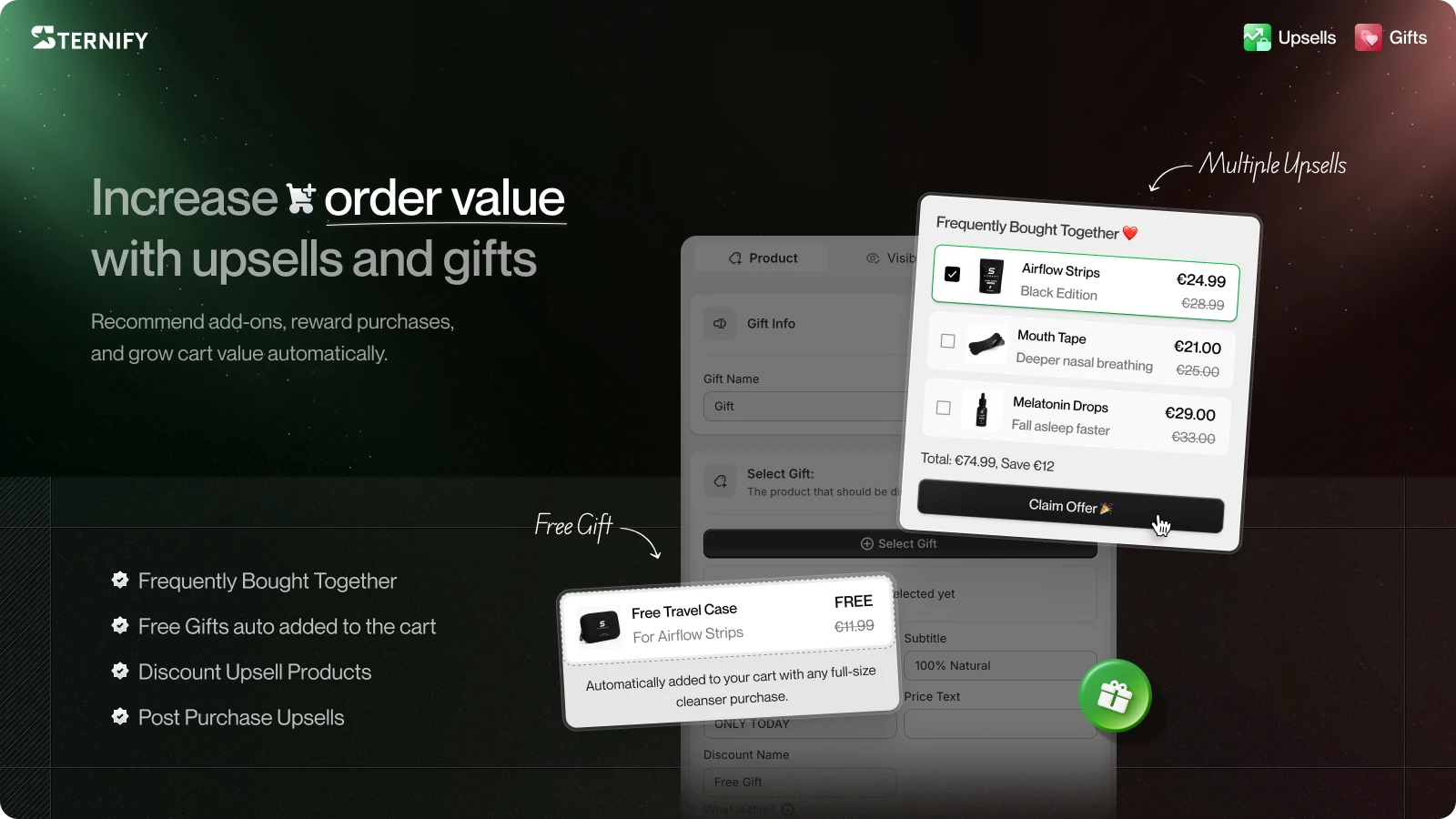
Sternify Gifts is built for merchants who want a targeted gift experience without relying on the customer to understand a manual Buy X Get Y journey. It uses Shopify Functions to apply a 100% discount to the gift. The gift product does not need a zero price in Shopify, so the same product can keep its normal catalog value outside the promotion.
Target all products, selected collections, or specific products.
Default to one gift per eligible product.
Scale gift quantity with the main product quantity when the offer calls for it.
Prevent unlimited gift quantities that could be abused.
Present the gift with a struck-through price or custom Free label.
Shopify Functions provide the discount logic, while Sternify controls the merchant-facing eligibility and gift rules. That division is useful when a campaign needs more precision than a broad storewide promotion. It also keeps the gift as a real cart line, which makes the order and fulfillment requirement visible.
Choose a gift that supports the purchase
A useful gift has a clear relationship to the qualifying product. Samples introduce a related product. Accessories complete the main product. Branded items can add delight when customers already value the brand. Slow inventory can work, but only if the item still feels relevant and arrives in good condition.
Keep fulfillment practical. A bulky or fragile gift can erase the margin you expected to protect.
Check whether the gift needs its own instructions, safety information, or variant choice.
Use a gift with enough inventory for the campaign window, and decide what happens when it sells out.
Preserve the gift’s perceived value. Avoid language that makes it sound like unwanted clearance stock.
Do the economics at the order level. Include product cost, pick-and-pack effort, packaging, shipping impact, discount combinations, and expected returns. A gift can support average order value, but no gift guarantees an increase. The offer should remain acceptable if customer behavior does not change as much as hoped.
Write promotion copy that cannot be misunderstood
Strong gift copy answers four questions: What do I buy? What do I get? How is it added? When does the offer end? Put the short version near the buying decision and link to the full terms when exclusions matter.
Product trigger: Buy any full-size cleanser and get the travel pouch free. Add both to cart. Ends Sunday.
Threshold trigger: Spend $75 and choose a free sample set in your cart while supplies last.
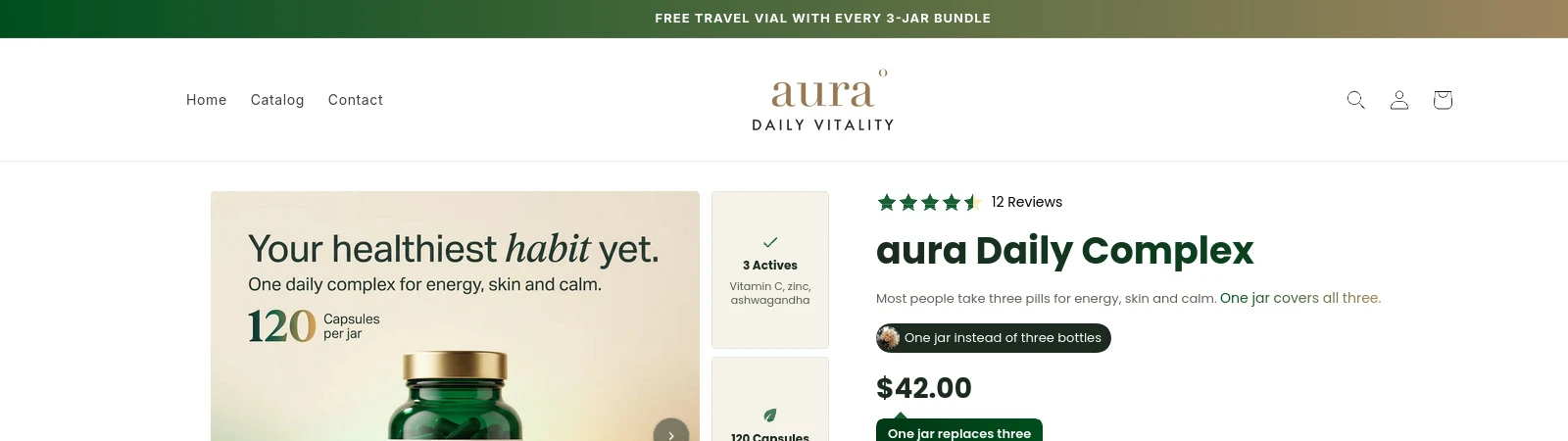
Automatic flow: Buy any two summer styles and we will add a free tote to your cart.
Variant choice: Spend $100 and select one free cap color in your cart.
Use ‘while supplies last’ only when inventory can end before the scheduled campaign date. State meaningful exclusions. If discount combinations are disabled, tell customers before checkout rather than letting them discover the restriction after they have built a cart.
Test qualification, removal, and abuse cases
Launch checks
- Qualification: Test eligible and ineligible products, exact threshold values, multiple quantities, and mixed carts.
- Cart behavior: Confirm the gift appears or discounts as promised, then remove the qualifying item and verify the gift updates correctly.
- Limits and combinations: Try adding extra gift quantities, applying another discount, changing currency or market, and returning from checkout.
- Storefront and fulfillment: Test mobile and desktop, out-of-stock behavior, cart drawers, accelerated checkout, order records, and packing instructions.
Run the tests on the published theme or an accurate preview with the same cart apps and theme extensions used by customers. A promotion can work in a basic cart page and fail in a custom cart drawer. If your store sells across markets, verify the customer-facing threshold and copy in each currency rather than assuming the base-market result carries over.
Measure the offer without claiming a guaranteed uplift
Compare the campaign with a relevant baseline, but account for changes in traffic source, season, product mix, and other promotions. Track gift redemptions, qualifying orders, average order value, gross margin after gift costs, conversion rate, returns, and support contacts about the offer. A higher redemption count is not enough if margin falls or customers cannot understand the rules.
Keep a campaign log with the exact eligibility rule, gift cost, dates, placements, and any discount combinations. That record makes the next test easier to interpret. Change one major variable at a time, such as the threshold or gift, instead of rebuilding the whole promotion and losing the comparison.
Free gift with purchase Shopify FAQs
Can Shopify automatically add a free gift to the cart?
Shopify's native Buy X Get Y discount does not automatically add the gift product. The customer must add all applicable products. An app or custom cart implementation is needed when you want the gift added, revealed, or selected automatically.
How do I make the gift free without setting its product price to zero?
Use a discount that applies 100% off to the eligible gift line. Sternify Gifts uses Shopify Functions for this, so the product can keep its normal catalog price outside the promotion.
Can I limit a free gift to one per order?
Yes. Configure the promotion's maximum quantity or use a gift system with explicit limits. Sternify defaults to one gift per eligible product and prevents unlimited gift quantities. Test multiple qualifying items to confirm the rule matches your offer.
What is the difference between Buy X Get Y and a free gift with purchase?
Buy X Get Y is Shopify's discount type for making the Y item free or discounted after an X condition is met. A free gift with purchase is the customer-facing promotion. It may use Buy X Get Y, Shopify Functions, or another discount method, plus a cart experience that helps the shopper receive the gift.
What should happen when the gift is out of stock?
Stop advertising that gift, disable or update the campaign, and provide a clear replacement only if the terms allow it. Test sold-out variants before launch. Do not let a shopper qualify for an offer that the cart cannot fulfill.
Sources and further reading
Shopify Help Center: Buy X get Y discounts
Shopify Help Center: Automatic discounts