





The best Shopify bundle app is the one that matches the offer you plan to sell. A store that needs fixed kits with component-level inventory has a different job from a brand selling Buy 2 and Buy 3 quantity breaks on a product page. Choosing from a long feature list often leads to extra scripts, conflicting discounts, and an offer that shoppers do not understand.
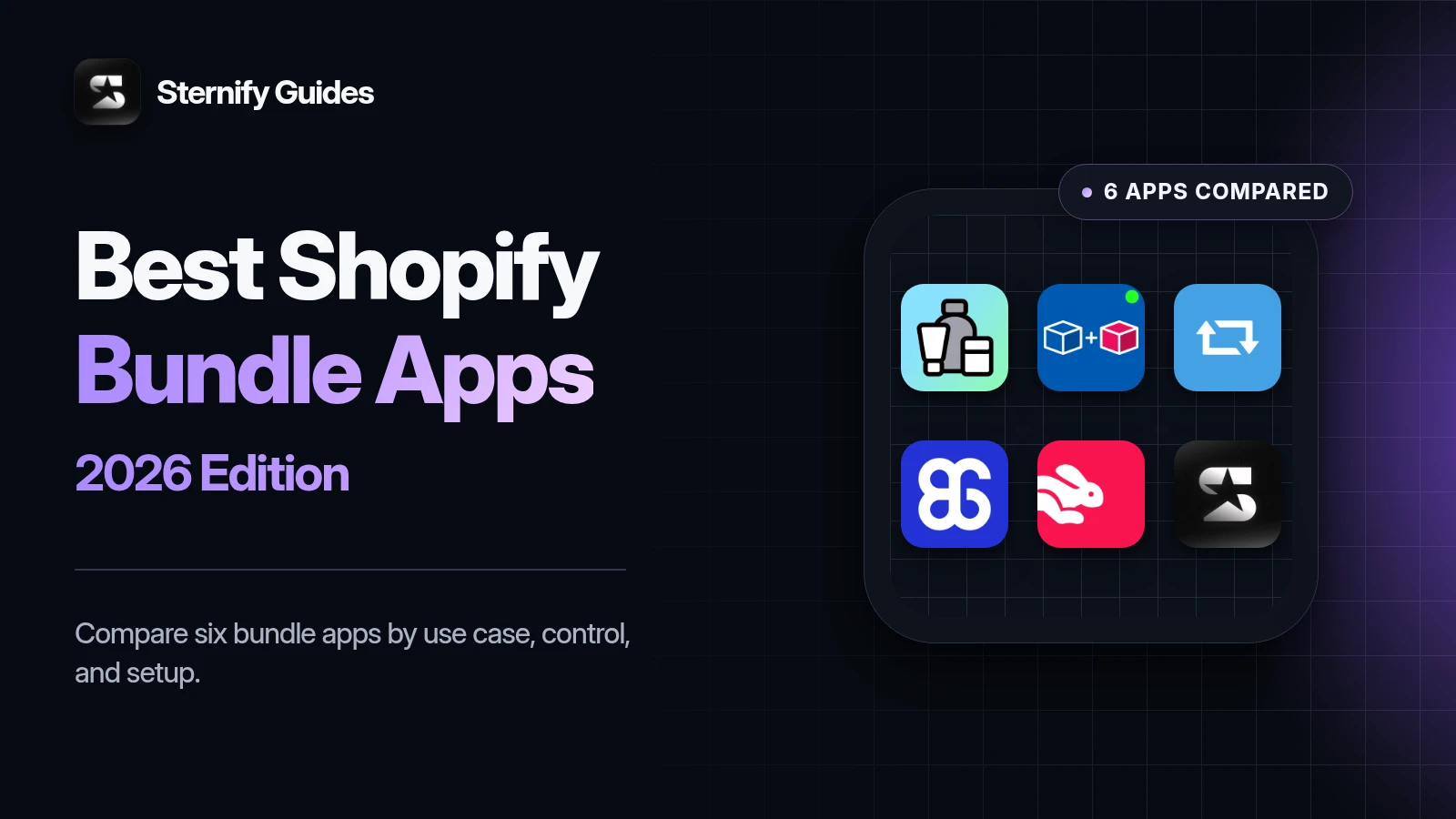
This guide compares six current options by use case rather than pretending there is one universal winner. Reviewed August 10, 2026, using official Shopify App Store listings, Shopify documentation, and each app’s stated capabilities. Sternify is included because it is our product. We disclose that wherever our judgment could be biased. App features and prices change, so confirm any plan limits on the linked listing before installing.
Key takeaways
- Choose Shopify Bundles for a simple native fixed bundle or multipack with component inventory.
- Choose Bundler for accessible bundle and quantity-discount options, or Bundles.app when inventory synchronization is the main job.
- Choose BOGOS for gift-led promotions and Fast Bundle for broader mix-and-match and bundle-builder workflows.
- Choose Sternify when visual product-page sets should live beside reviews, upsells, sections, gifts, banners, and cart tools.
Best Shopify bundle apps by use case
Shopify bundle apps at a glance

Shopify Bundles
Simple first-party bundles
Bundler
Broad bundle and discount flexibility

Bundles.app
Inventory-led kits and sets

BOGOS
Gifts and rule-heavy promotions
Fast Bundle
Testing several bundle formats

Sternify
Guided product-page bundles
Shopify Bundles: best for a simple first-party setup
Why choose Shopify Bundles
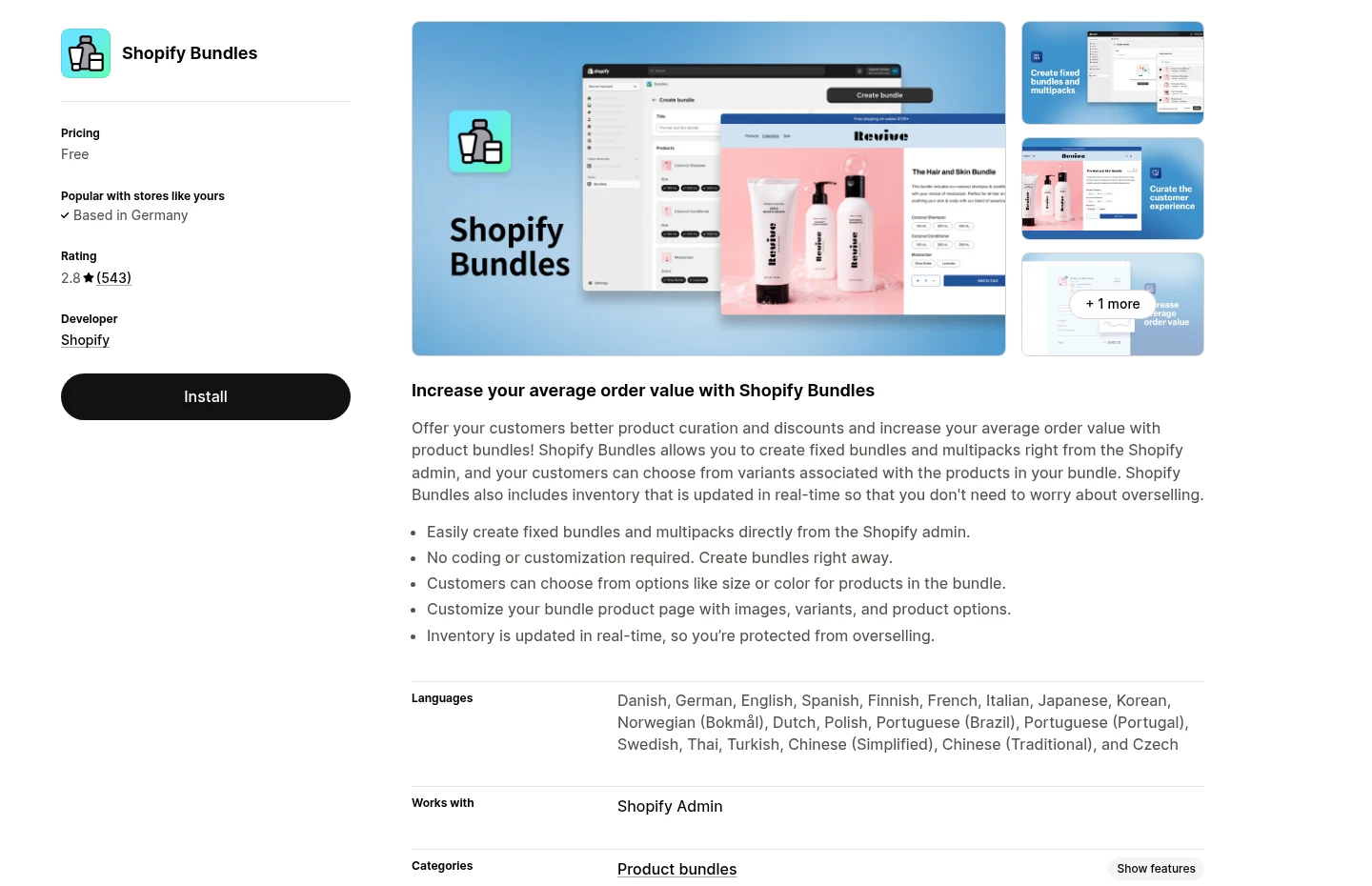
Core job: Free first-party fixed bundles and multipacks.
Useful capabilities: Create and edit bundles in Shopify admin, with variant choices available to shoppers.
Best when: You need a curated kit and native administration matters more than merchandising depth.
What to watch with Shopify Bundles
Main limitation: No mix-and-match builder, elaborate quantity tiers, gifts, or broad promotional placement system.
Check before choosing: A free app is still the wrong choice if the product page cannot explain the offer clearly.
Bundler: best for broad bundle and discount flexibility
Why choose Bundler
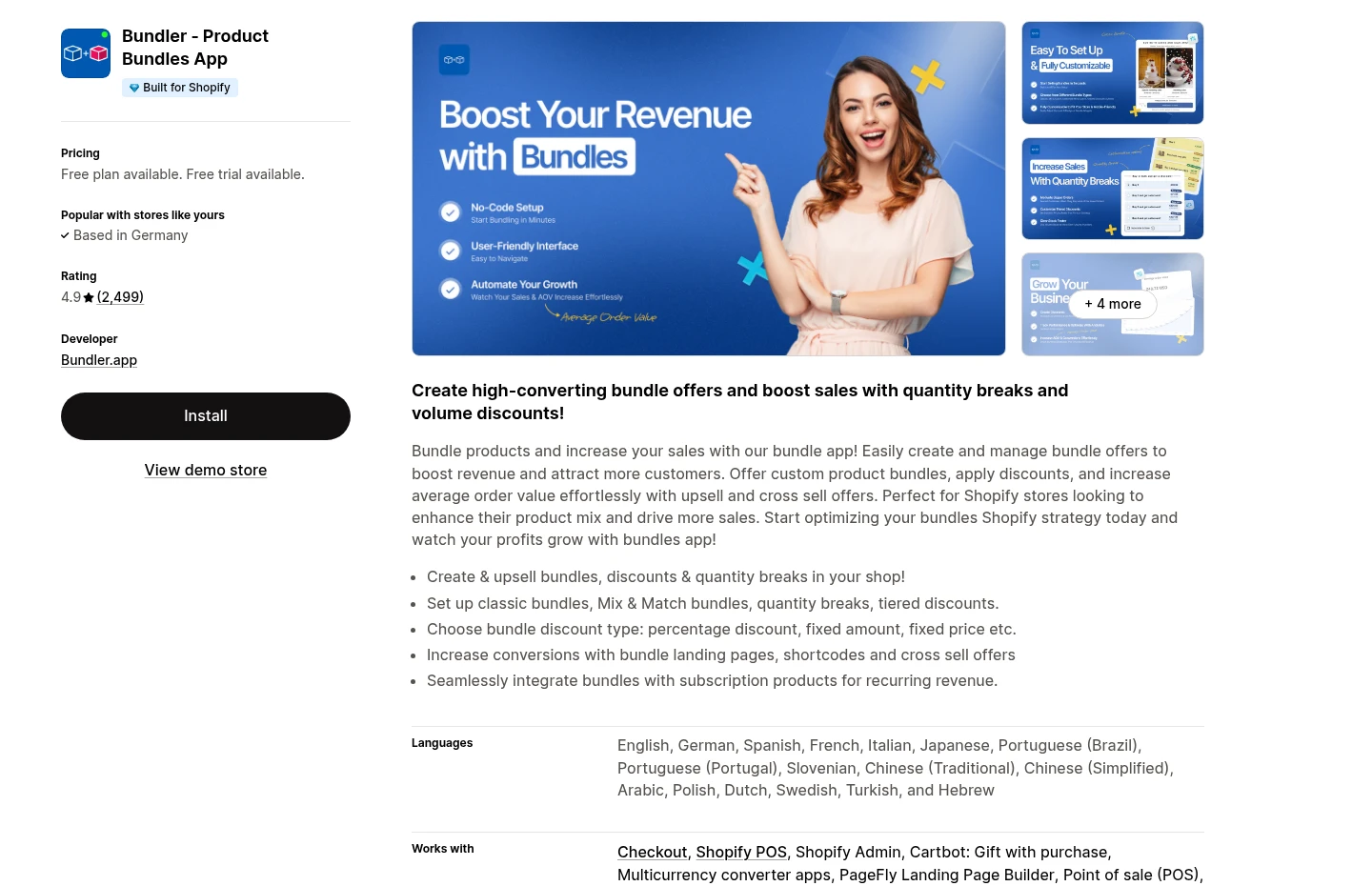
Core job: Classic bundles, mix-and-match offers, quantity breaks, and tiered discounts.
Also supports: Buy X Get Y logic, product-page upsells, Shopify POS, discount conditions, and custom landing pages on higher plans.
Best when: You expect to test more than one bundling model.
What to watch with Bundler
Main limitation: Breadth increases setup complexity and makes overlapping deals easier to create.
Check before launch: Map combinations and exclusions against automatic discounts and loyalty promotions.
Bundles.app: best for inventory-led kits and sets
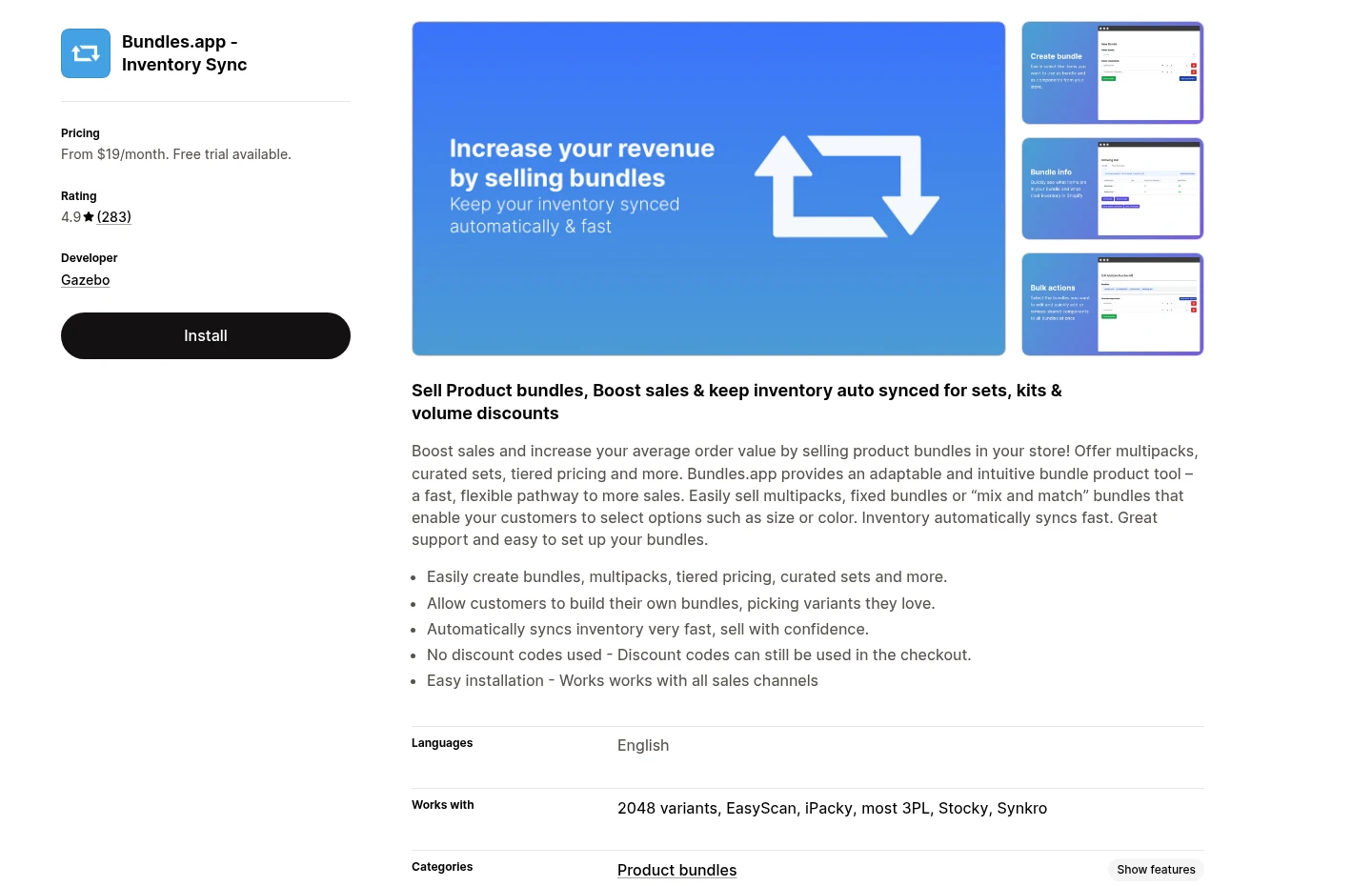
Why choose Bundles.app
Core job: Inventory synchronization for bundles, sets, kits, and multipacks.
Useful capabilities: Volume discounts, bulk imports, and unlimited bundles on the listed plans.
Best when: A separately sold gift set or kit must keep every component SKU accurate.
What to watch with Bundles.app
Main limitation: An inventory-centered system may be unnecessary for a simple product-page quantity break.
Check before migration: Confirm how fulfillment tools, subscriptions, preorders, and warehouse workflows treat bundle components.
BOGOS: best for gifts and rule-heavy promotions
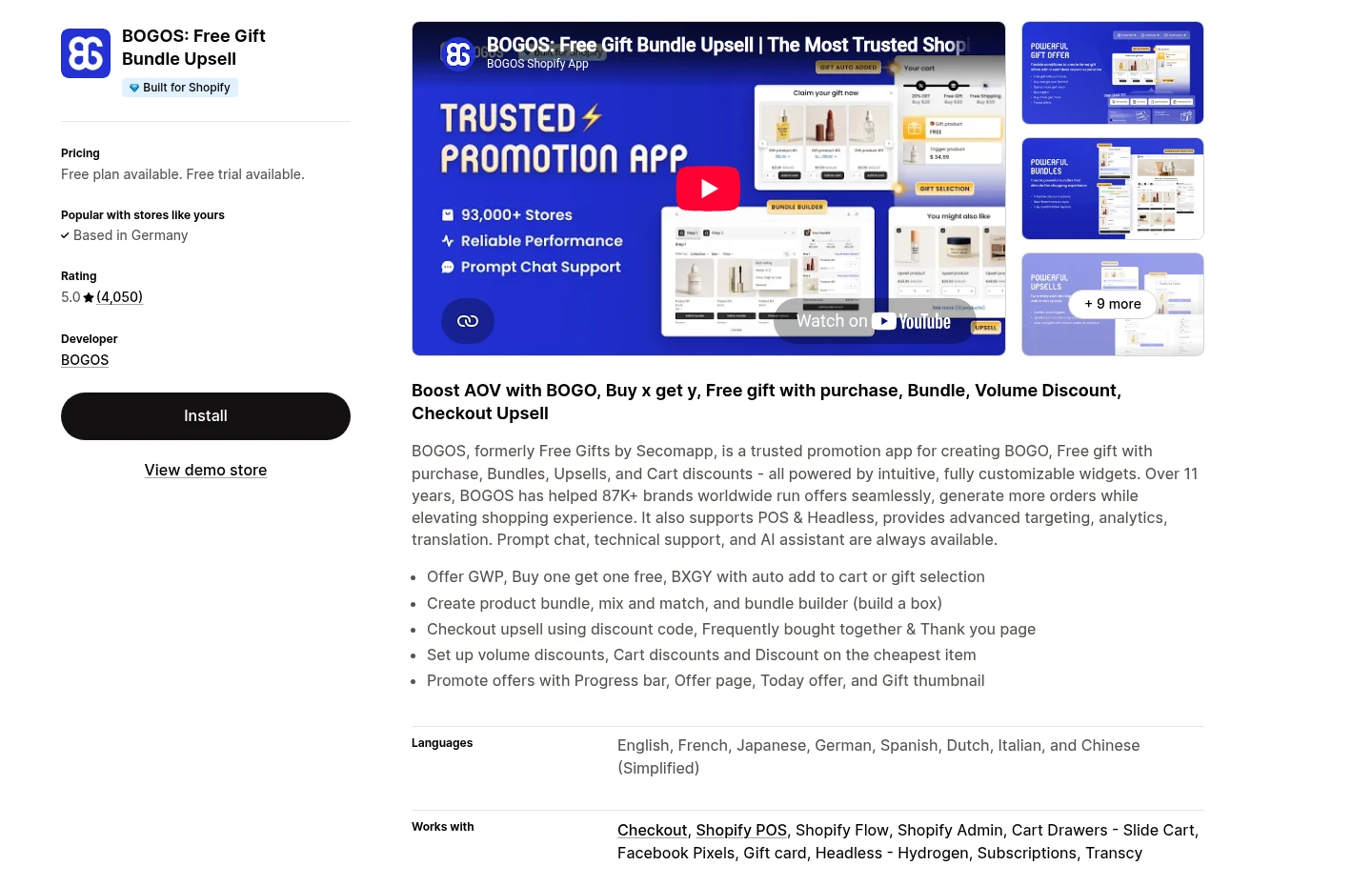
Why choose BOGOS
Core job: BOGO deals, Buy X Get Y rules, and free-gift campaigns.
Also supports: Classic and mix-and-match bundles, volume discounts, frequently bought together offers, and thank-you-page upsells.
Pricing note: The listing shows a free plan and paid tiers with order-based allowances, so campaign volume affects cost.
What to watch with BOGOS
Main limitation: A broad promotion engine can be more than you need for a permanent three-pack.
Check before launch: Test promotion precedence with qualifying, non-qualifying, and edge-case carts on a staging theme.
Fast Bundle: best for merchants testing several bundle formats
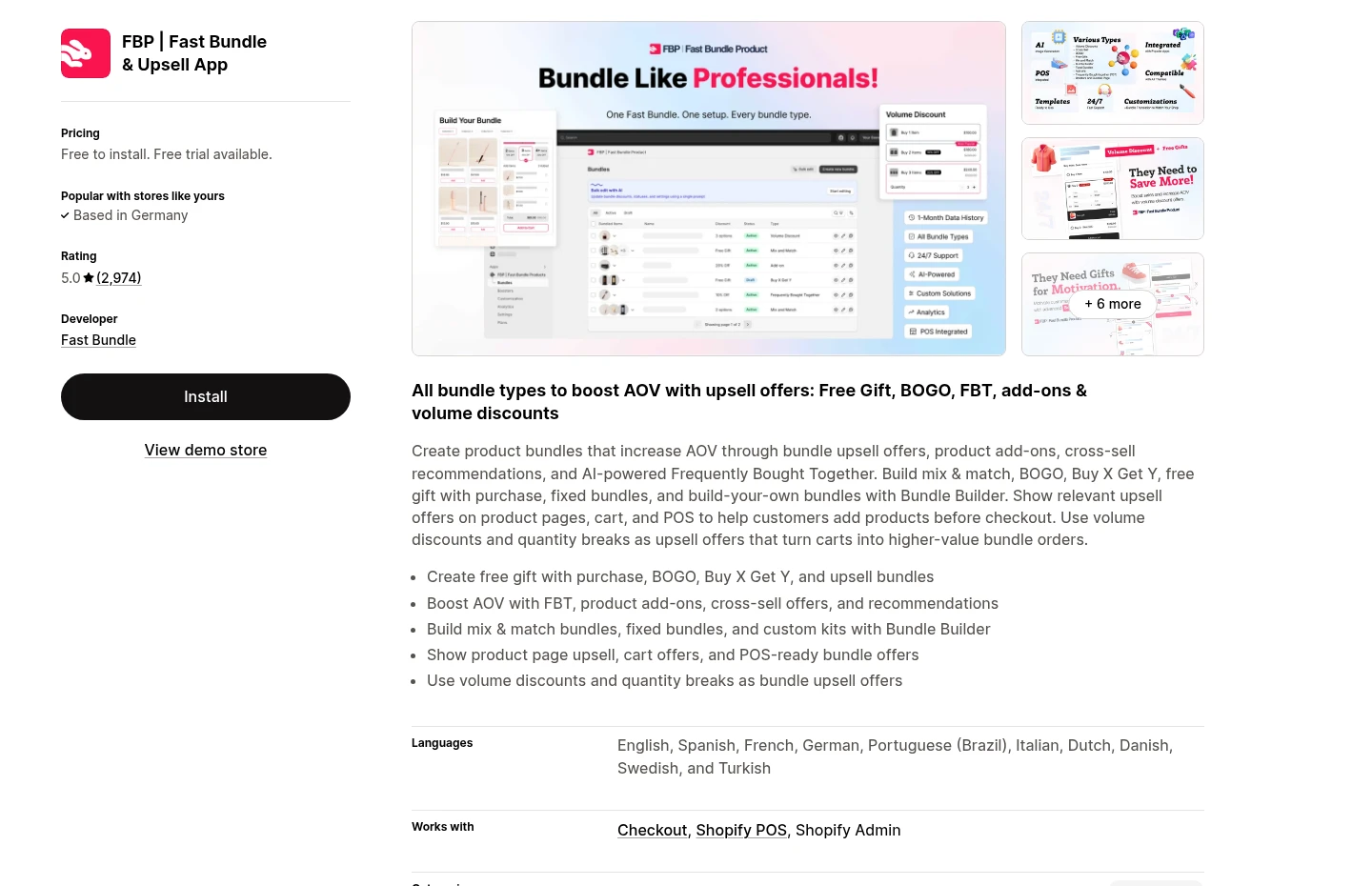
Why choose Fast Bundle
Core job: Fixed bundles, mix-and-match offers, and dedicated bundle builders.
Also supports: Free gifts, BOGO, frequently bought together, product add-ons, volume discounts, and quantity breaks.
Placement: Product pages, the cart, and Shopify POS according to the current listing.
What to watch with Fast Bundle
Main limitation: Rendering locations, variant behavior, styling needs, and plan access vary by format.
Check before launch: Use a duplicate theme and test the mobile selector, discounted price, cart lines, and discount combinations.
Sternify: best for guided product-page bundles inside a CRO system
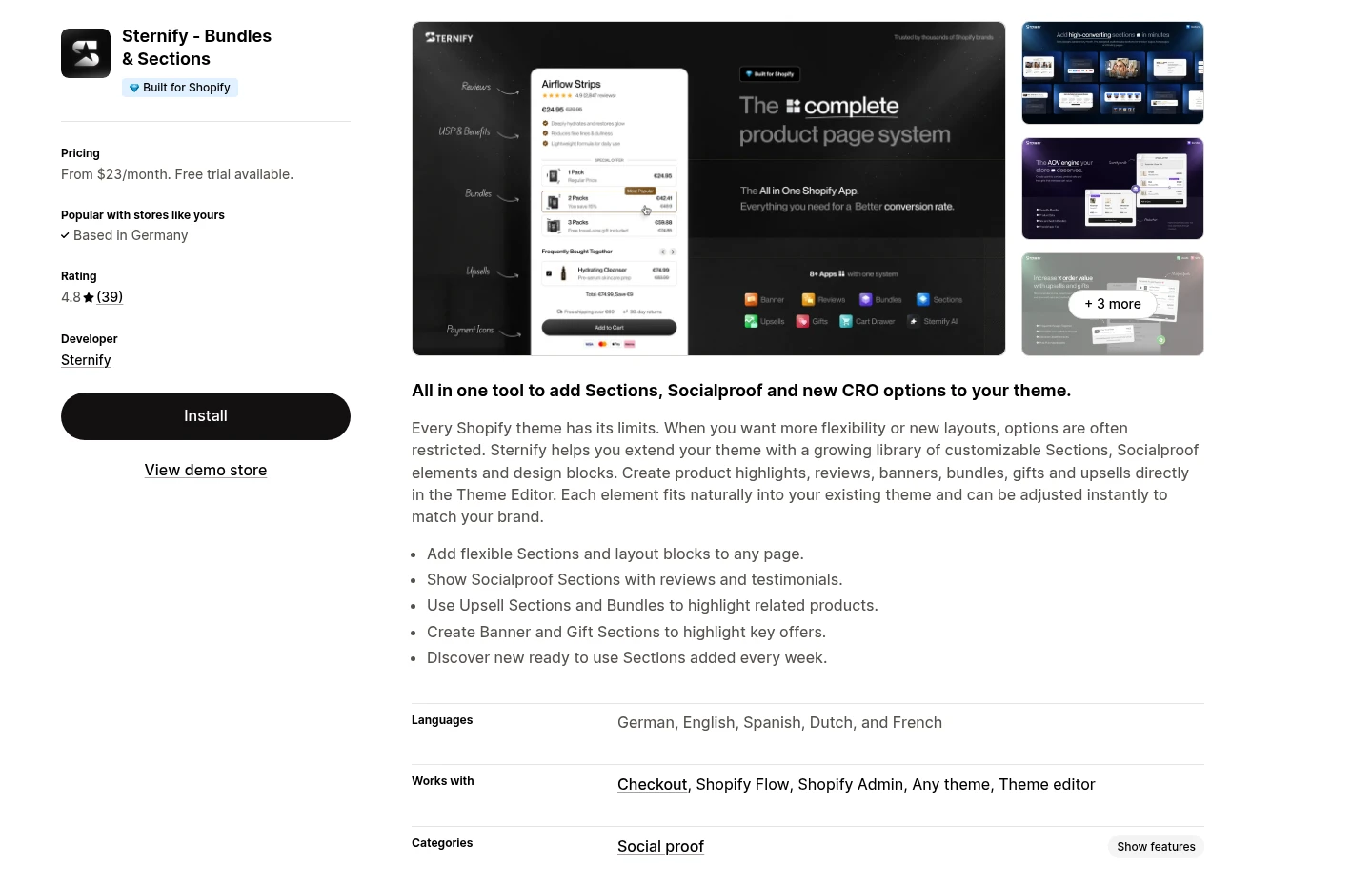
Why choose Sternify
Disclosure: Sternify is our product.
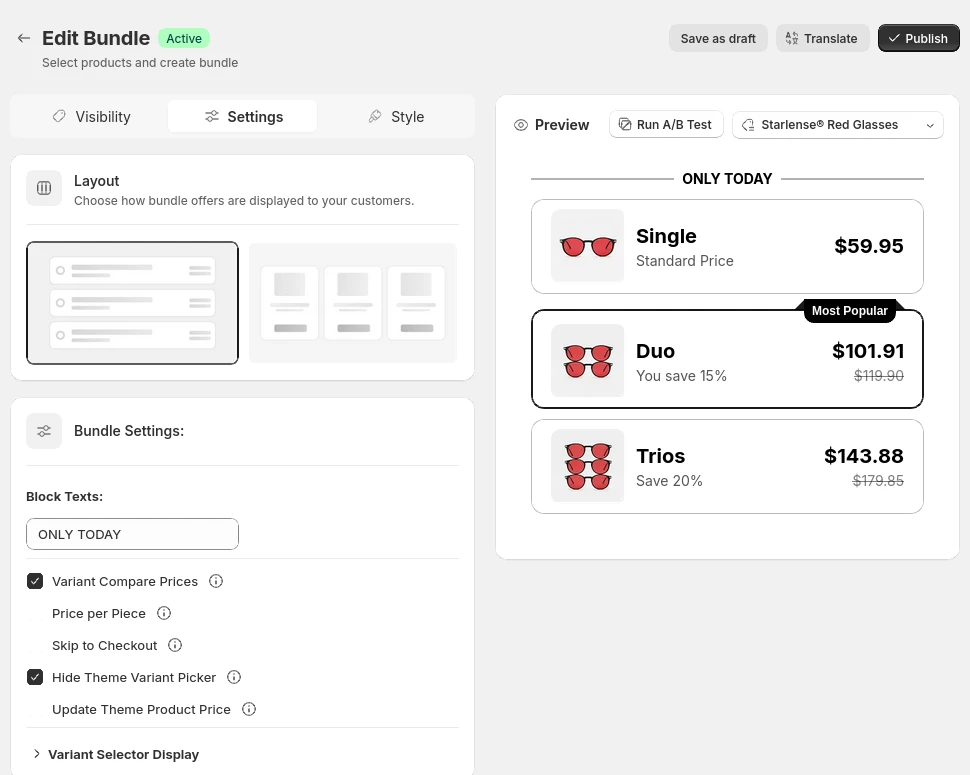
Core job: Quantity Breaks for single-product offers and Product Sets for different products sold together.
Useful capabilities: Percentage and fixed discounts, price overrides, gifts, upsells, custom images, variant selection, and Shopify Markets multi-currency handling.
Best when: You want a focused product-page offer managed alongside guidance and related CRO modules.
What to watch with Sternify
Main limitation: It is not built to be the broadest specialist system for every bundle job.
Choose a specialist when: Complex kit synchronization or a large shopper-built mix-and-match box is the main requirement.
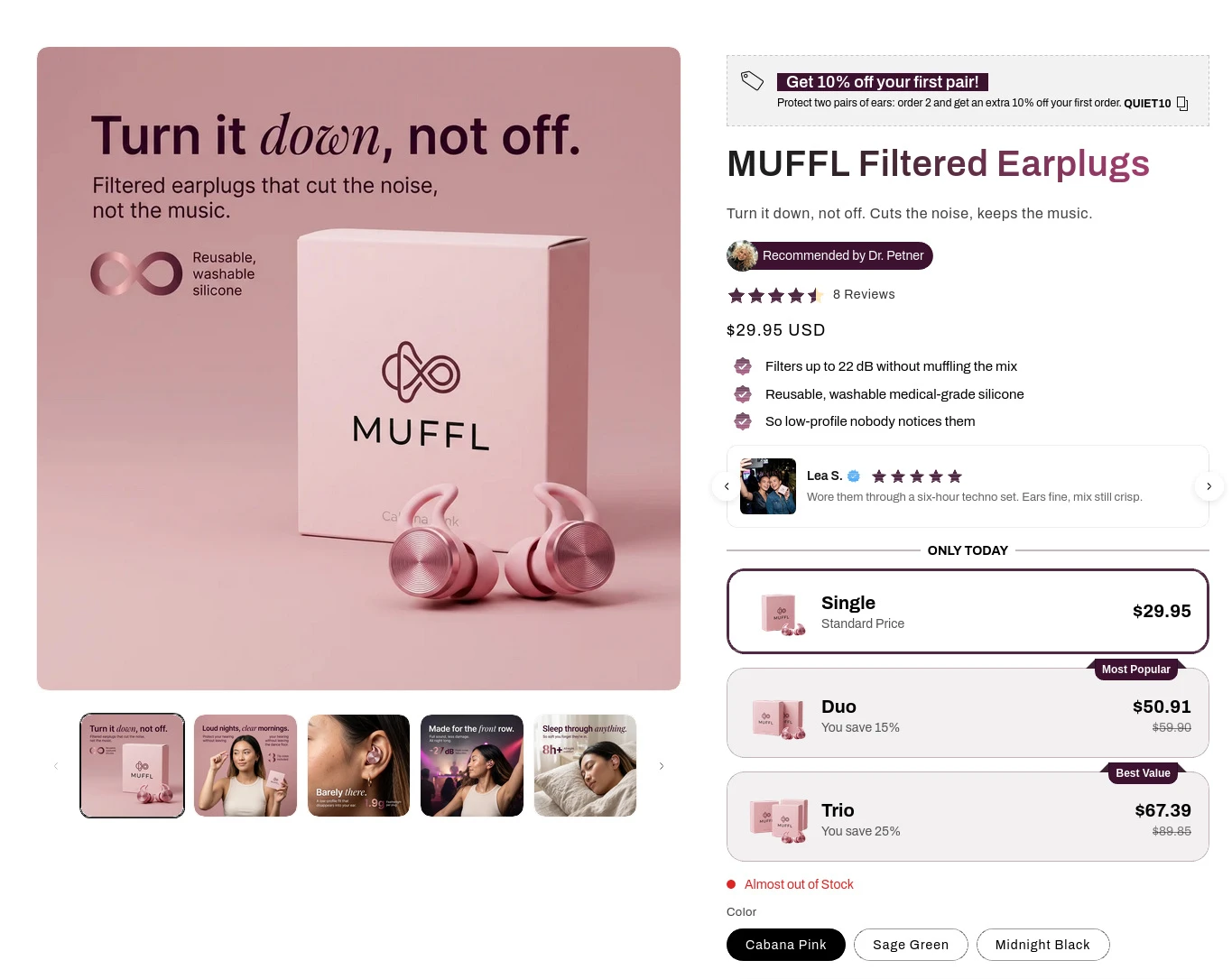
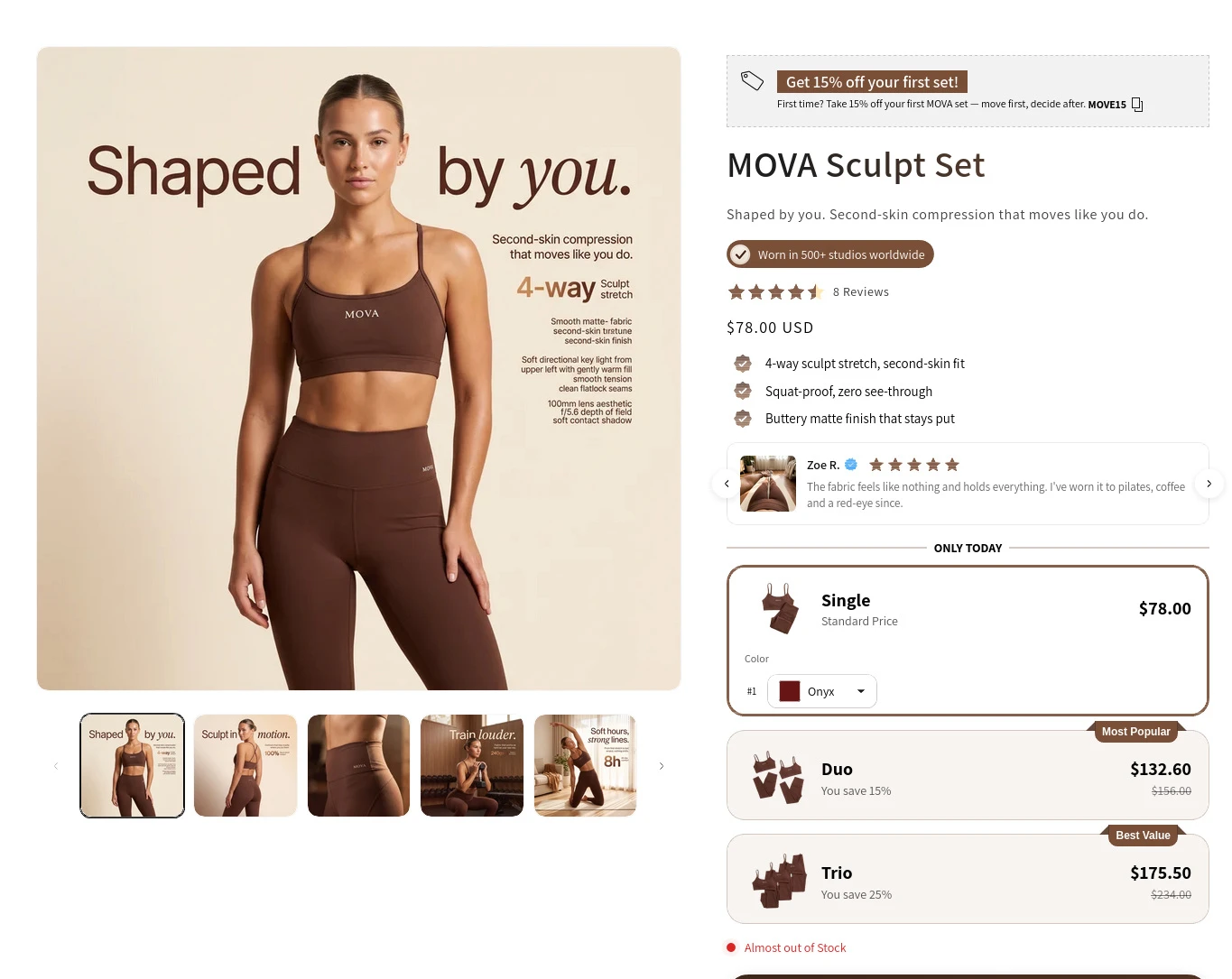
What shoppers see on the product page
These read-only storefront captures show the same quantity-break system adapted to two different products. MUFFL prioritizes a simple Single, Duo, Trio choice. MOVA keeps the same offer logic while matching a different visual system. They are demonstration storefronts, not merchant performance claims.
How we compared these Shopify bundle apps
We did not sort apps by review count or label a sponsor as number one. We started with merchant jobs that materially change the setup: fixed kits, mix-and-match boxes, quantity breaks, promotional gifts, inventory synchronization, and product-page presentation. We then checked the current official listings for evidence that each app handles its stated job.
Offer fit: fixed bundles, product sets, multipacks, mix and match, quantity breaks, or gift promotions.
Inventory behavior: whether component stock must stay synchronized and whether bundles appear as separate products.
Storefront placement: dedicated bundle pages, product-page blocks, cart placements, or several surfaces.
Discount control: percentage, fixed amount, tiered pricing, Buy X Get Y, and compatibility with other promotions.
Theme fit: how the offer looks on mobile, how clearly selected states appear, and how much styling work is required.
Operational cost: subscription price, order or revenue tiers, and the cost of maintaining another app in the stack.
How to choose the right bundle type
- Write the customer choice: Describe the offer in one sentence without app terminology. If it sounds confusing here, the product page will not rescue it.
- Define the stock model: Decide whether the offer sells one SKU, several component SKUs, or more units of the same variant. Include fulfillment and returns.
- Pick the buying surface: Choose product page, dedicated builder page, cart, or another surface. Do not add the same offer everywhere by default.
- Test the full order: Check mobile selection, variants, discounts, cart lines, checkout totals, inventory decrements, confirmation email, and refunds.
Launch checks that prevent costly bundle mistakes
Launch checks
- Offer clarity: The shopper can see what is included, what changes by tier, and the final price without opening another page.
- Discount integrity: Qualifying and non-qualifying carts produce the expected total, including when another code or automatic discount exists.
- Operational integrity: Inventory, fulfillment, taxes, subscriptions, refunds, and reporting treat the order as your team expects.
- Theme quality: Selected states, variant controls, price hierarchy, button behavior, and spacing work on common mobile widths.
Frequently asked questions
What is the best free Shopify bundle app?
Shopify Bundles is a strong first-party option for fixed bundles and multipacks, and Shopify lists it as free. Bundler and BOGOS also show free-plan options on their current listings. The best free choice still depends on the bundle type and plan limits, so confirm the current terms before installation.
Can Shopify create bundles without an app?
You can group products through merchandising and discount workarounds, but accurate bundle products, component inventory, variant selection, and a clear storefront selector usually require Shopify Bundles or another app. Shopify's bundle documentation explains the supported model.
Do bundles always need a discount?
No. A curated kit can sell convenience, compatibility, or a complete routine. If you use a discount, show the comparison price clearly and protect margin. Added value such as a relevant gift can sometimes work better than a deeper percentage cut.
What is the difference between a bundle and a quantity break?
A bundle groups two or more products or components into one offer. A quantity break usually rewards a shopper for buying more units of the same product, such as Buy 3 and save 15%. Some apps support both, but the customer decisions and inventory behavior differ.
Where should a Shopify bundle appear?
Place it where the shopper has enough product context to decide. Quantity breaks often belong near the product-page buy box. A large mix-and-match box may need a dedicated builder. Test one primary surface before repeating the promotion in the cart or elsewhere.
Sources and further reading
Shopify Help Center: Product bundles
Shopify Dev: About product bundles