





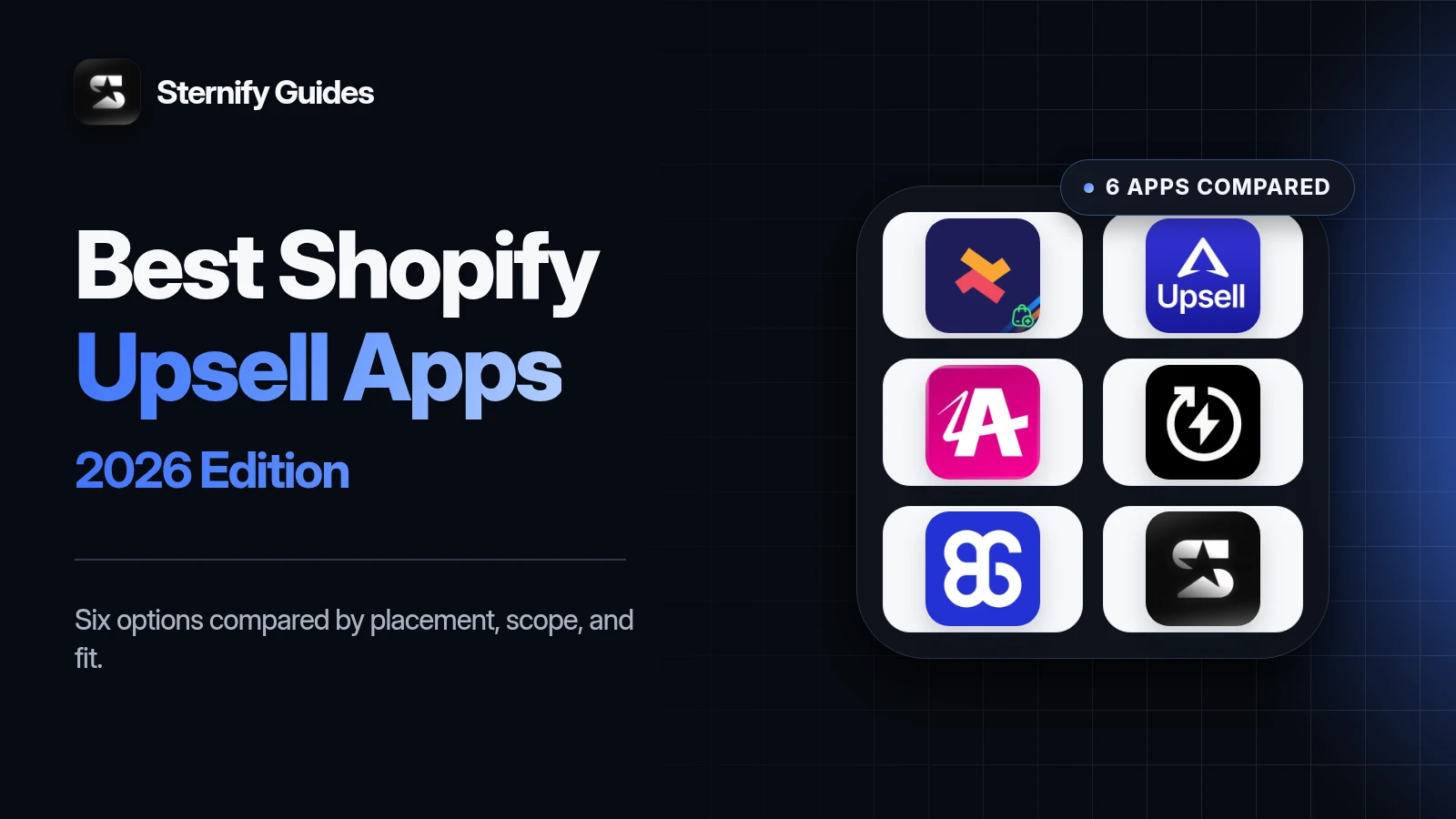
The best Shopify upsell app depends first on placement. A small checkbox for gift wrapping on a product page serves a different moment from a one-click offer shown after payment. Apps that cover the whole funnel can be useful, but they can also tempt a store to show too many offers. The right choice starts with one customer decision and one place to present it.
We compared six current options using official Shopify App Store listings and product documentation. This is a use-case guide, not a paid ranking. Sternify is our product, and we say so in its section. Sternify currently supports lightweight Single and Multi product-page add-ons. It should not be chosen for post-purchase or checkout upsells, so this comparison points merchants with those needs to other apps.
Key takeaways
- Choose the upsell placement first. Product page, cart, checkout, and post-purchase offers solve different customer decisions.
- Selleasy and ReConvert suit broader coverage. AfterSell is the specialist choice for dedicated post-purchase funnels.
- BOGOS fits gift-led promotions. Sternify fits lightweight product-page add-ons, not checkout or post-purchase upsells.
- Launch one relevant offer in one placement, then measure take rate, margin, checkout progression, and errors before adding more.
Start with the upsell moment, not the feature list
Upsell app lists often combine product recommendations, bundles, cart drawers, checkout extensions, and post-purchase funnels as if they were interchangeable. They are not. Each appears at a different level of buying intent. A shopper comparing a laptop may welcome a compatible sleeve beside the add-to-cart button. The same shopper may ignore a carousel of unrelated items after opening the cart.
Product page: best for accessories, warranties, gift wrap, refills, and other add-ons that need product context.
Cart or cart drawer: best for a small recommendation after the main product has been chosen.
Checkout: high intent, but placement and eligibility can depend on Shopify’s checkout capabilities and plan.
Post-purchase: the original order is already secured, so a one-click follow-up can avoid interrupting the first sale.
Thank-you or order-status page: useful for follow-up offers, content, or reordering, but it is later than the initial conversion.
How we evaluated the apps
We selected apps that represent distinct buying moments and checked their current listings for supported placements. We considered relevance controls, theme presentation, analytics, testing, pricing model, Shopify plan constraints, and setup burden. Ratings can help identify support or reliability patterns, but they are snapshots, not proof that an app fits your catalog.
Shopify upsell app comparison.
Selleasy: Broad coverage with one app; Product, cart, checkout, post-purchase; Order-tier pricing and wide scope need review
ReConvert: Full-funnel and post-purchase testing; Product, cart, checkout, post-purchase; Pricing can scale with order volume or upsell revenue
AfterSell: Dedicated post-purchase funnels; Checkout, post-purchase, thank-you page; Checkout upsells are listed for Shopify Plus
Essential Upsell: Straightforward offers across key surfaces; Product, cart on higher tier, post-purchase; Plans use generated-revenue allowances
BOGOS: Gift and promotion-led upsells; Product and promotion surfaces, thank-you page; Broader promotion engine may be more than a simple add-on needs
Sternify: Lightweight product-page add-ons; Product page; No post-purchase or checkout upsells
Selleasy: best for broad placement coverage

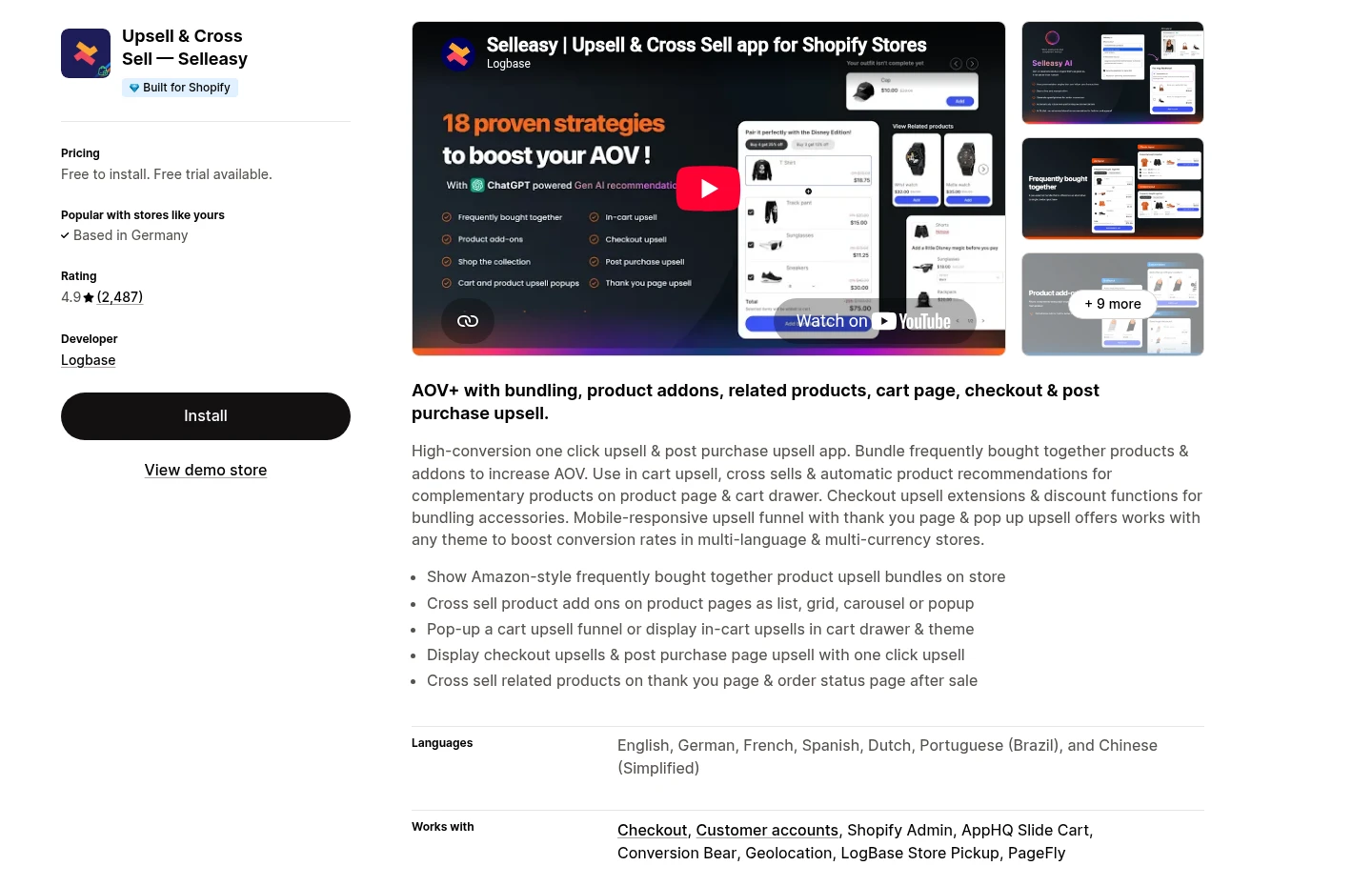
Why choose Selleasy
Core job: Broad upsell and cross-sell coverage from one app.
Placements: Product page, cart, checkout, thank-you page, and post-purchase according to the current listing.
Useful capabilities: Frequently bought together offers, product add-ons, recommendations, styling controls, and translations.
Best when: One team should manage several placements in one system.
What to watch with Selleasy
Main limitation: Breadth makes duplicate or competing recommendations easier to create.
Pricing note: Paid tiers scale with monthly order volume, so forecast normal and peak months.
Check before launch: Assign one job to each placement and confirm checkout eligibility for your Shopify plan.
ReConvert: best for full-funnel testing and post-purchase offers

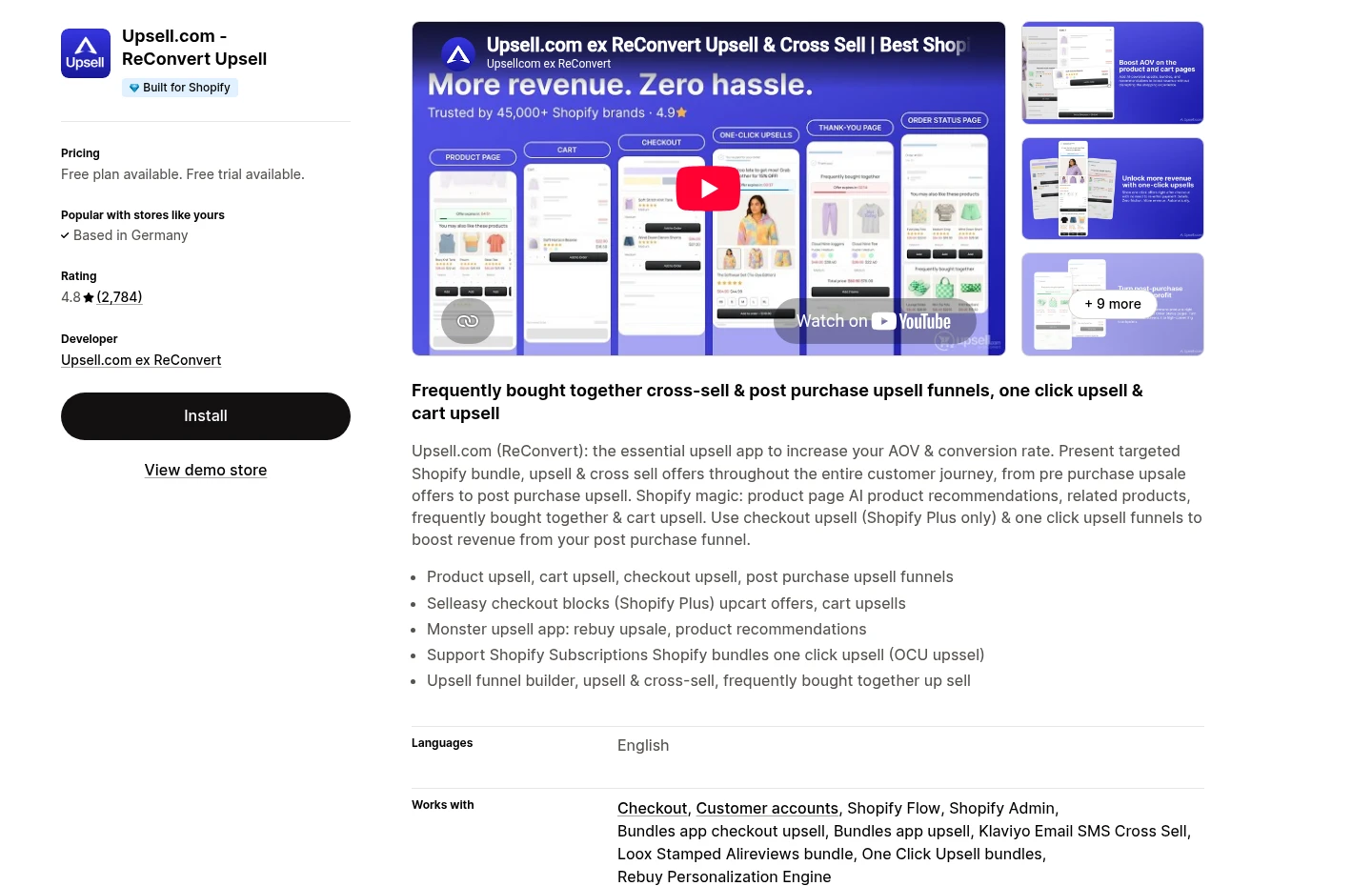
Why choose ReConvert
Core job: Connected full-funnel and post-purchase upselling.
Placements: Product page, cart, checkout, thank-you page, and post-purchase according to the current listing.
Useful capabilities: Bundles, product recommendations, segmentation, analytics, and A/B testing.
Best when: You have enough traffic and operational discipline to test a connected journey.
What to watch with ReConvert
Main limitation: A broad funnel requires more setup and regression testing than one focused add-on.
Pricing note: Current paid pricing scales with order volume or upsell revenue.
Check before choosing: Model the cost at peak volume and verify which checkout capabilities require specific Shopify plans.
AfterSell: best for dedicated post-purchase funnels

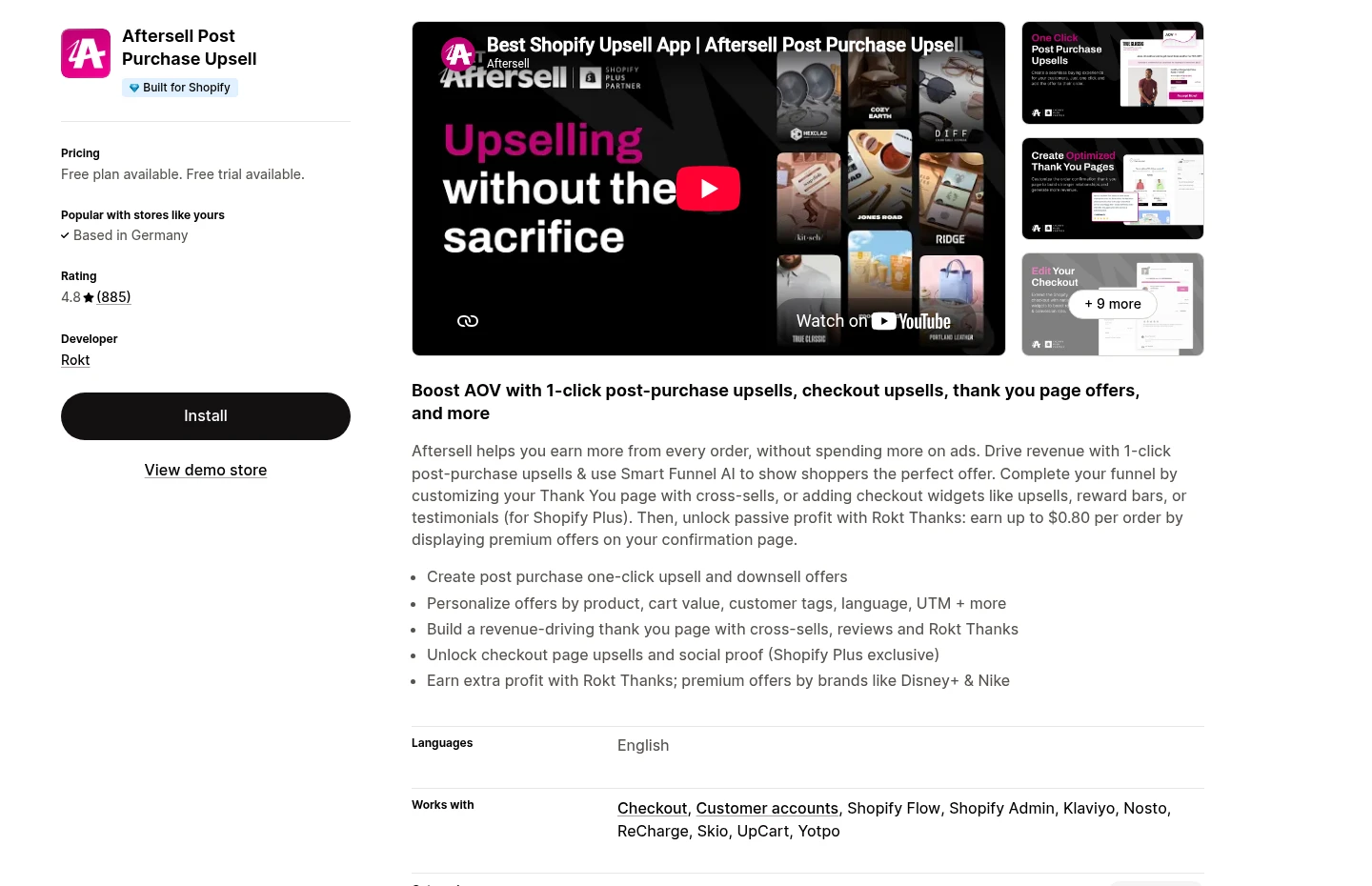
Why choose AfterSell
Core job: Dedicated one-click post-purchase funnels.
Useful capabilities: Upsells, downsells, thank-you-page offers, analytics, A/B testing, and offer recommendations.
Shopify Plus note: The current listing includes checkout upsells on paid plans for eligible Shopify Plus stores.
Best when: The follow-up offer is easy to understand after the original purchase.
What to watch with AfterSell
Main limitation: A post-purchase tool does not replace product-page merchandising.
Use another placement when: Compatibility, variants, or technical details must be understood before the main purchase.
Check before choosing: Confirm plan eligibility, offer economics, and the customer experience when an offer is declined.
Essential Upsell: best for a focused multi-surface setup

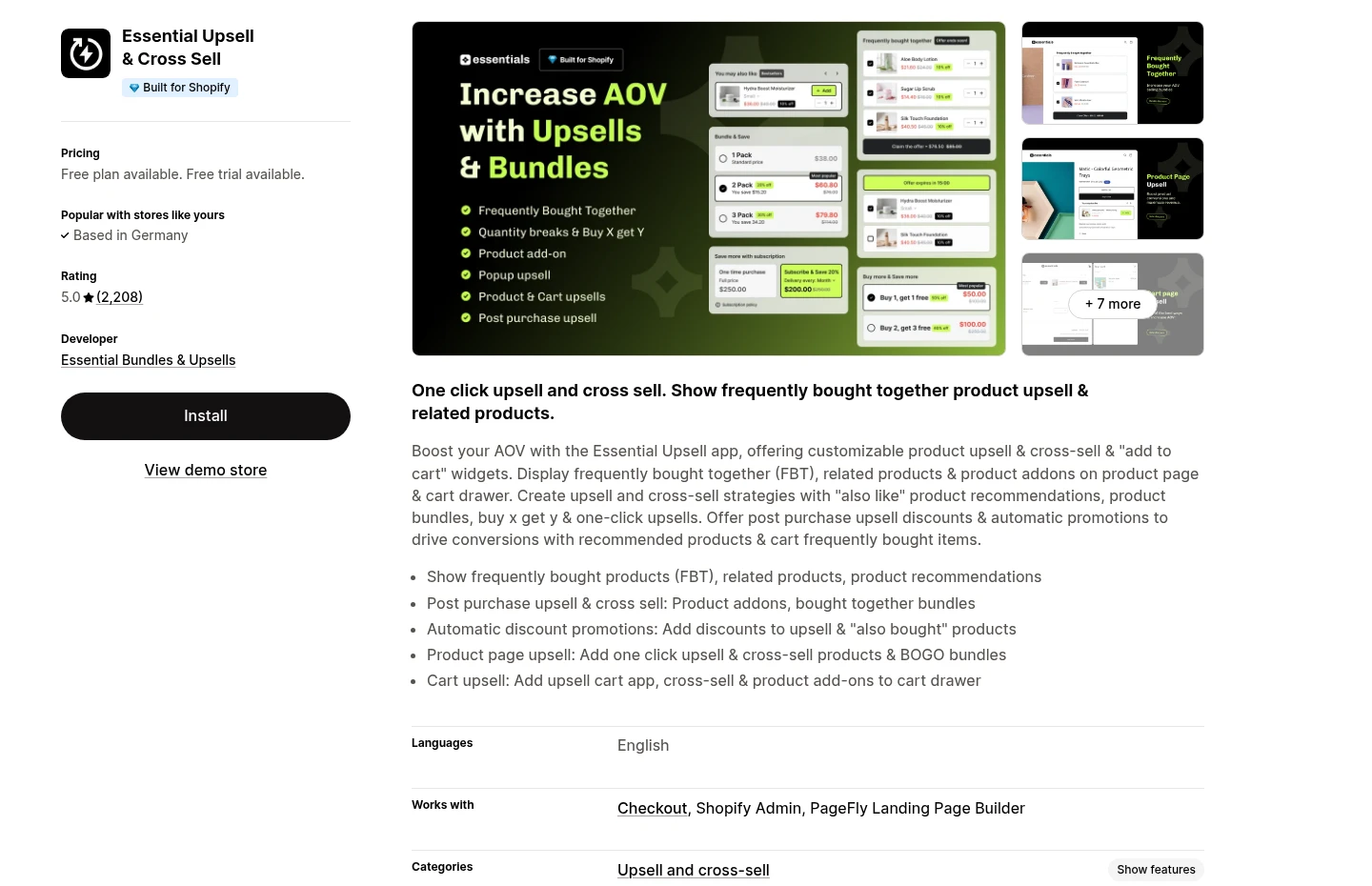
Why choose Essential Upsell
Core job: Focused product-page, cart, and post-purchase upsell widgets.
Useful capabilities: Frequently bought together offers, related products, add-ons, translations, and analytics.
Plan note: Cart-page offers appear on higher listed tiers.
Best when: You want curated widgets without adopting the broadest promotion engine.
What to watch with Essential Upsell
Main limitation: Pricing uses additional-revenue allowances, so attribution rules affect cost.
Check before choosing: Confirm what counts as generated revenue and what happens when the allowance is reached.
Cart note: If the cart itself needs deeper rebuilding, compare a dedicated cart-drawer system.
BOGOS: best for free gifts and promotion-led upsells

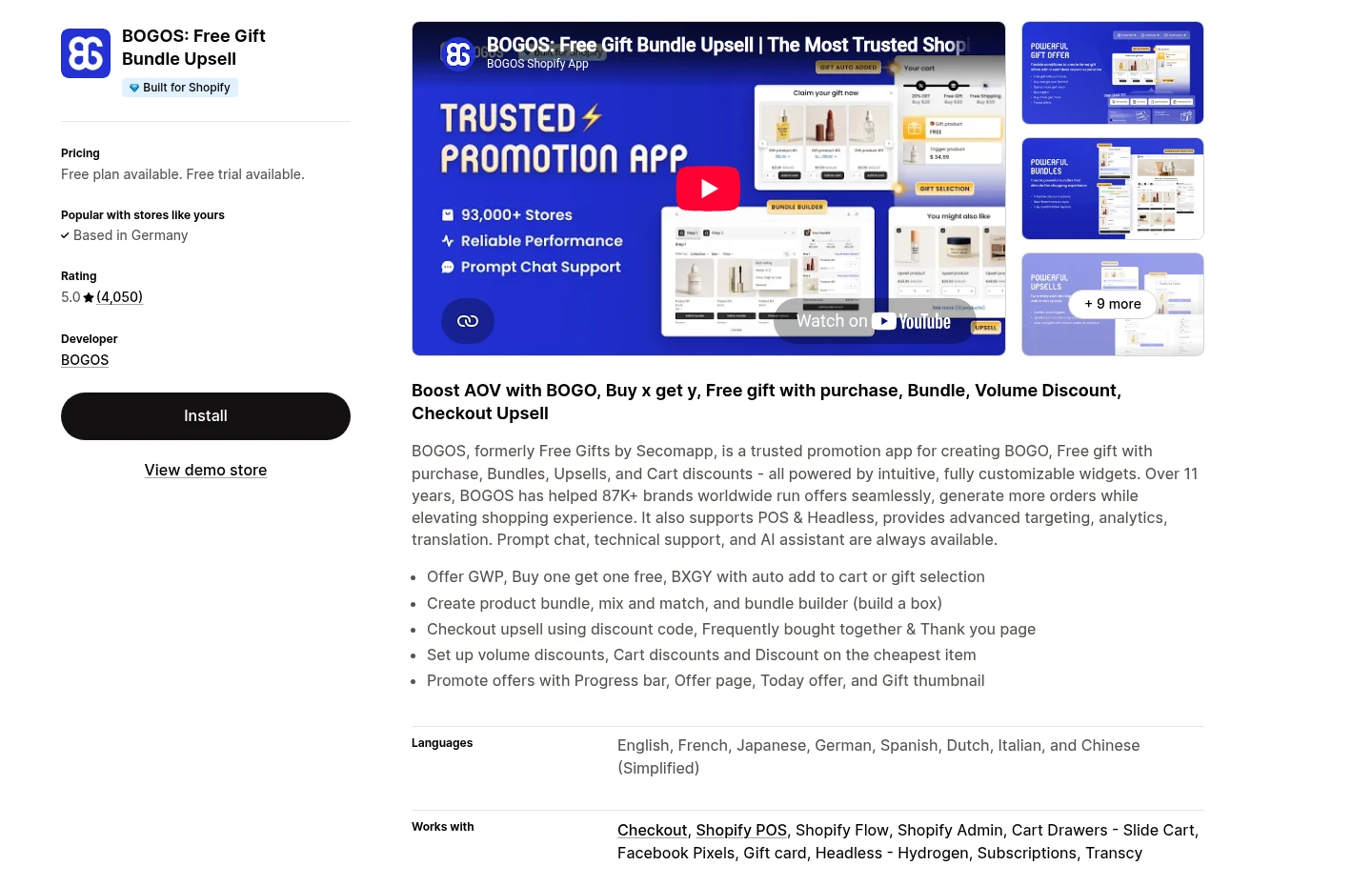
Why choose BOGOS
Core job: Promotion-led upsells, BOGO rules, and free-gift campaigns.
Also supports: Bundles, volume discounts, frequently bought together offers, and thank-you-page upsells.
Best when: The upsell is part of a broader campaign with several qualification rules.
What to watch with BOGOS
Main limitation: This is a rules platform as much as an upsell widget.
Check before launch: Test promotion priority, discount combinations, gift stock, and quantity changes.
Choose something narrower when: You only need one simple product-page add-on such as gift wrap.
Sternify: best for lightweight product-page add-ons

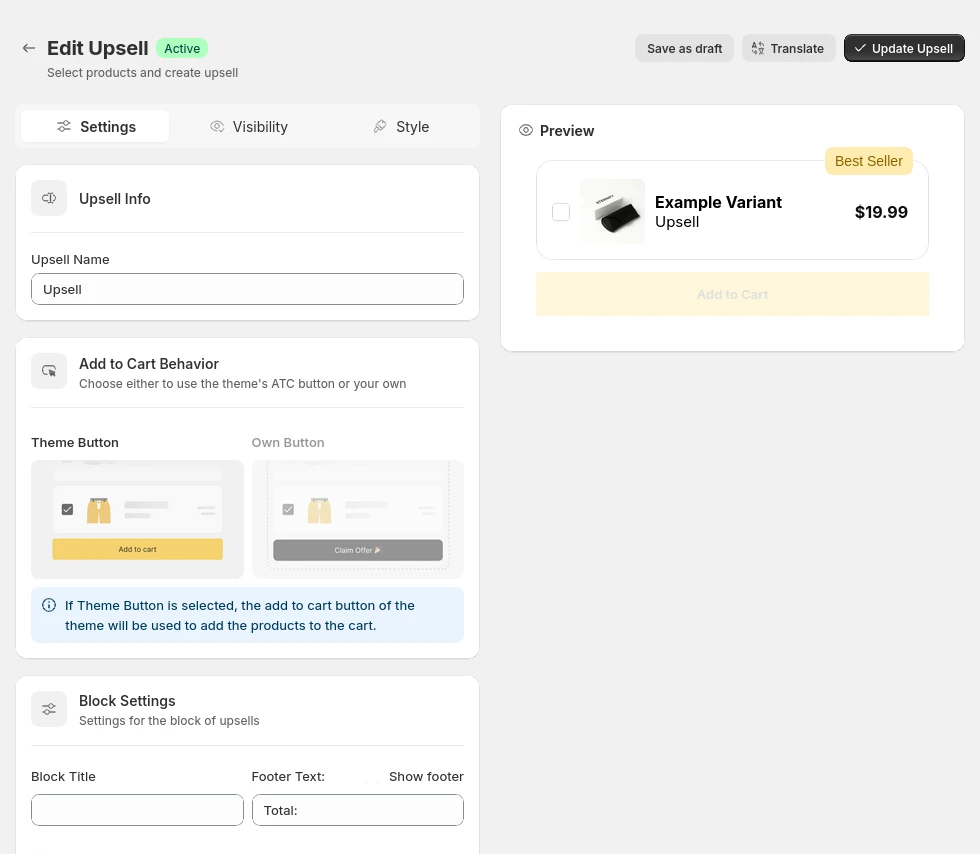
Why choose Sternify
Disclosure: Sternify is our product.
Core job: Single and Multi-Upsell offers beside the product decision.
Useful capabilities: Product, collection, or storewide targeting, synchronized add-on pricing, editable copy and imagery, and variant selection.
Best when: The customer needs a small contextual add-on without an interruptive popup.
What to watch with Sternify
Main limitation: Sternify is not the choice for dedicated checkout or post-purchase funnels.
Check before launch: Test mobile layout, variant selection, discount combinations, and price updates in the actual theme.
Match the offer to the buying moment
Use product-page add-ons when the extra item helps the customer understand or use the main product. A case for a phone, spare filters for an appliance, or gift wrap for a present all fit this moment. Keep the recommendation tight. A long row of related products turns the buy box into another collection page.
Use cart upsells after the shopper has committed to the main item and the recommendation needs less explanation. Use checkout placements sparingly and confirm Shopify plan requirements. Use post-purchase for low-friction additions that do not threaten the original conversion. If the customer must reconsider size, compatibility, or a large price increase, show the choice earlier.
- Name the customer job: State why the add-on helps with this product. Compatible, protective, refillable, or gift-ready is stronger than Best seller.
- Choose one placement: Put the offer where the shopper has enough context and no later than the point when required details become hard to explain.
- Set relevance rules: Target specific products or collections, exclude incompatible variants, and remove unavailable items.
- Measure the whole order: Track exposure, acceptance, removal, checkout completion, margin, returns, support contacts, and app cost.
What to test before launch
Launch checks
- Relevance: Every recommended item is compatible with the main product and useful to the customer segment seeing it.
- Choice: Preselection, if used, is obvious and easy to remove. The customer can understand the updated total before paying.
- Order behavior: Variants, inventory, discounts, taxes, subscriptions, shipping, fulfillment, refunds, and confirmation emails work as expected.
- Presentation: The offer does not obscure the main add-to-cart action, shift the page unexpectedly, or become unreadable on mobile.
Judge an upsell by contribution, not acceptance rate alone. A frequently accepted item with thin margin, high returns, or extra fulfillment cost may be weaker than a lower-volume accessory with clean economics. Compare app fees under normal and seasonal order volume. Review support tickets for compatibility confusion, accidental additions, or unexpected discounts. Those signals often reveal offer problems before a dashboard does.
Frequently asked questions
What is the best Shopify upsell app for product pages?
Selleasy, ReConvert, Essential Upsell, and Sternify all state product-page capabilities, but they serve different scopes. Sternify is suited to lightweight Single or Multi add-ons. Selleasy and ReConvert cover more funnel stages. Choose based on the exact offer, targeting, and placements you will use.
What is the best Shopify upsell app for post-purchase offers?
AfterSell and ReConvert are strong shortlist candidates because post-purchase funnels are central to their current listings. Selleasy and Essential Upsell also list post-purchase options. Sternify does not currently provide post-purchase upsells.
Do checkout upsells require Shopify Plus?
Requirements depend on the app and the checkout surface. AfterSell's listing specifically marks checkout upsells as Shopify Plus only. Check the current app listing and Shopify documentation for your plan before choosing an app around checkout placement.
Should an upsell be preselected?
Use preselection with care. The added item, price, and removal control should be obvious, and the choice should reflect a reasonable customer expectation. An unclear preselected charge can create distrust, refunds, and support work even if short-term acceptance rises.
How many upsells should a Shopify store show?
Start with one relevant offer at one placement. Add another only when it serves a separate customer job and does not repeat the first recommendation. Test the full buying journey on mobile and measure checkout completion as well as upsell revenue.
Sources and further reading
Shopify App Store: Upsell and bundles category