
 Install on Shopify

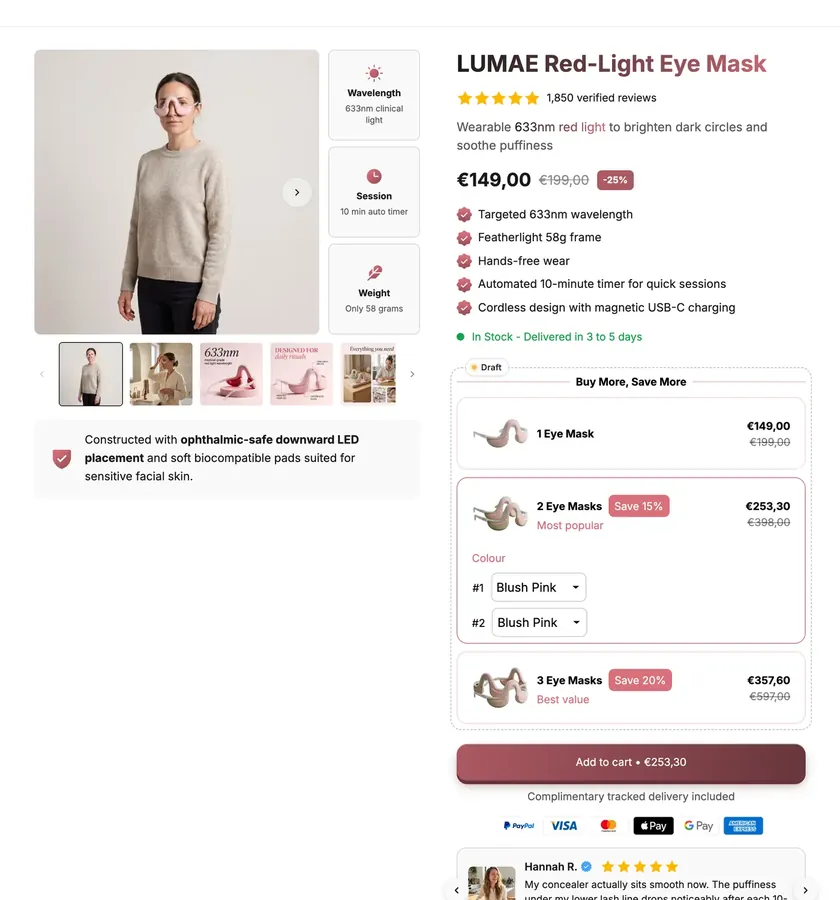
 Eye Mask TrioDraft
 Pillowcase add-onDraft
Drafts first
New bundles, upsells, gifts and banners are saved as drafts, and post-purchase funnels start paused, until you publish them.
Ask Claude, ChatGPT, Gemini, Perplexity or Cursor to build AI product pages, bundles, upsells and banners, or to answer reviews. New offers start as drafts, so nothing goes live without you.
Free to connect · Works with 6 assistants · You approve it in Shopify
Your assistant uses Sternify's tools for you, step by step, and shows you what it changed.
Pick your assistant, follow three steps and approve Sternify in your Shopify admin. You can disconnect at any time.
Open Sternify in the Claude directory.
Add to ClaudeClick Connect. You do not need the server URL.
Approve Sternify in your Shopify admin.
Takes under a minute. Then ask: “List my Sternify bundles.”
Copy one into your assistant once Sternify is connected, and swap in your own products.
New bundles, upsells, gifts and banners are saved as drafts, and post-purchase funnels start paused, until you publish them.
Each assistant asks for your OK inside your Shopify admin. Disconnect any one of them from the Sternify app at any time.
Connecting is free. AI pages use your plan, and AI photos use your monthly AI credits, exactly as in the app.
Here’s a quick roundup of the most common things people ask before getting started.